

Quotes
Prepare a customer proposal, share a controlled link and record acceptance or rejection against the exact revision.
Sales · Quotes · Invoices · Payments
Create quotes and invoices from workspace customer and catalog data, share controlled document links, and keep payment status beside the sale.
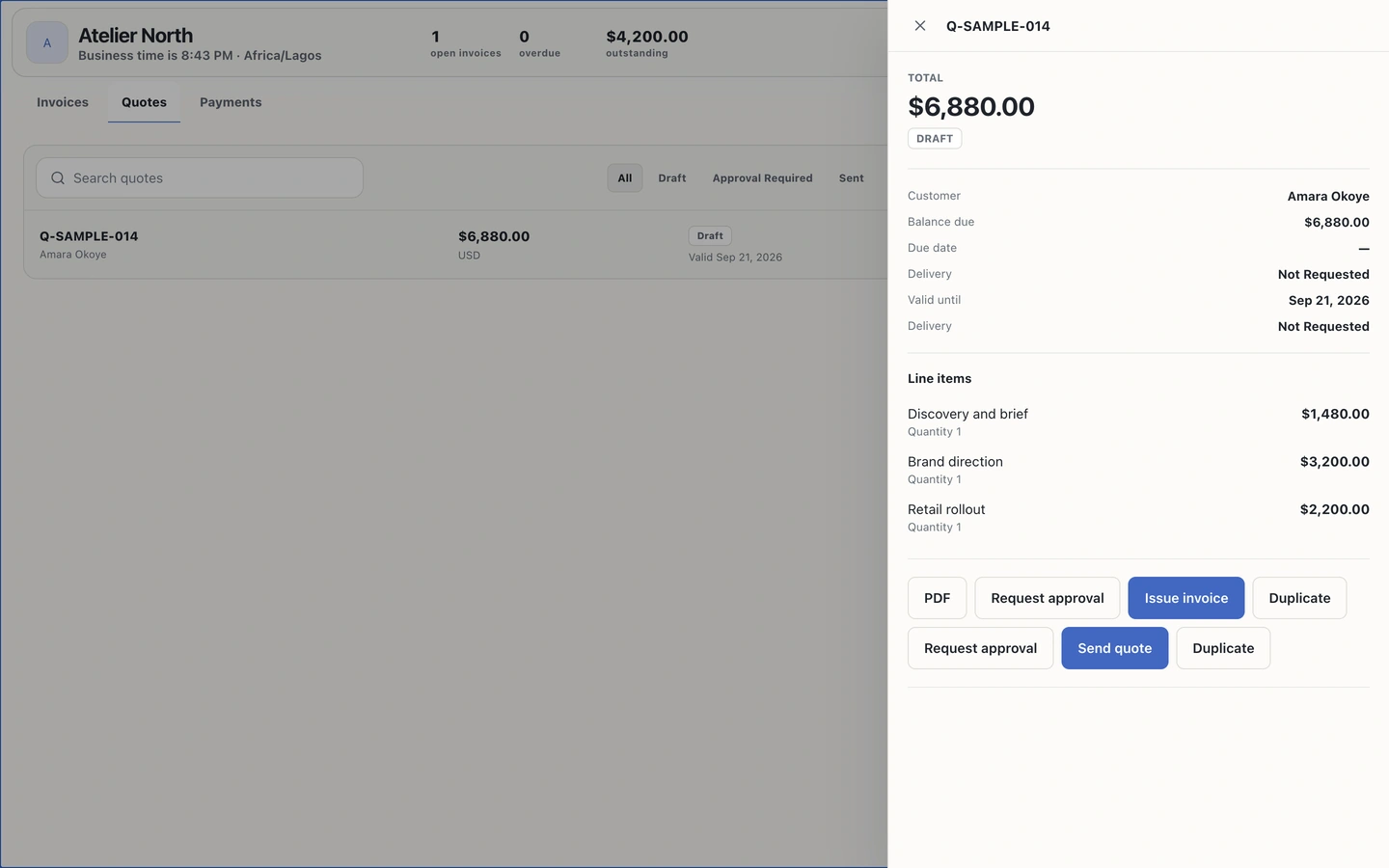
Quote-to-payment record
What is included
External services still depend on the connected account, granted permissions and provider support.
Prepare a customer proposal, share a controlled link and record acceptance or rejection against the exact revision.
Create, review and issue invoices while keeping totals, status and balance due in the workspace.
Track payment review, allocation and receipts. Online collection appears only when an eligible configured provider supports it.
How the work moves
A quote can become an invoice without losing the agreed revision. Payments stay tied to the customer, currency and invoice balance they belong to.
Availability, plainly
Payment methods are configured in Brand Intelligence. Provider payments require an eligible connected integration; manual payment claims require independent review before allocation or receipt.
See the status roadmap