
Channel catalog
Discover supported, beta and planned connectors without treating every card as connected.
Channels and integrations
SalesIQEE separates connector types where the authorization model differs, then shows a channel in the workspace only when a real account state exists.
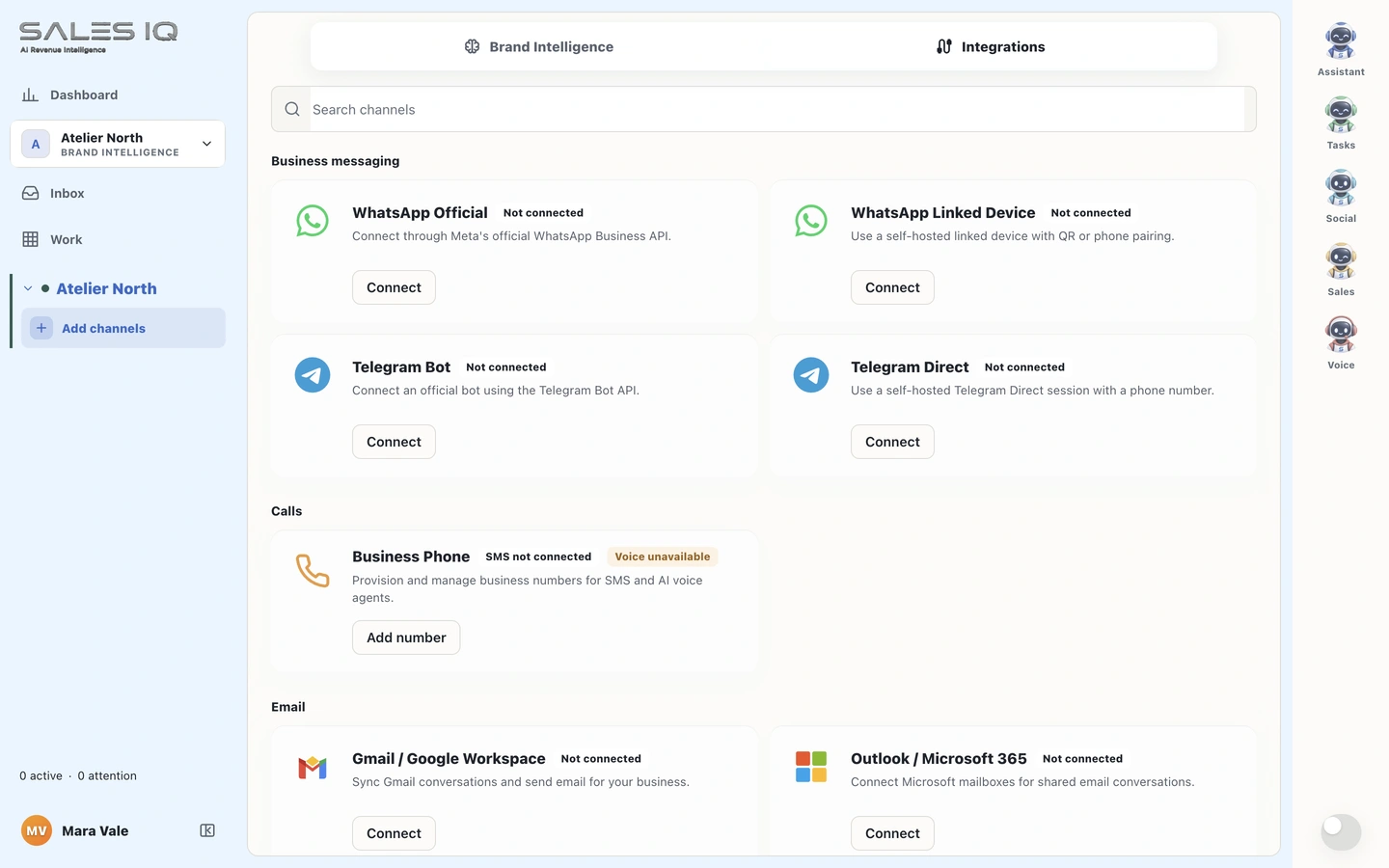
Connection truth is explicit
What is included
External services still depend on the connected account, granted permissions and provider support.
Discover supported, beta and planned connectors without treating every card as connected.
OAuth, webhooks, device pairing and send or receive are checked for each provider and account.
New providers are added only where setup and a real end-to-end test are possible.
How the work moves
The product distinguishes setup intent from an authenticated identity, restored session and successful operation.
Availability, plainly
Messaging, comments, calls and publishing are exposed only where the connected provider and granted scopes support them.
See the status roadmap